

This article includes a small snippet of code that you can add to your site to ensure your footer PHP date is always at the current year. I’m sure some of you have seen websites stuck on ‘© Copyright 2009’ – so here’s a few easy ways to overcome it.
First thing you’ll need is a PHP web page. If your server handles PHP, then use the code below to insert into your website’s footer. Please note this will only work with PHP web pages, and not static HTML.
Single Year Display.
This literally just pulls in the current date using server technology, and is really easy to implement instead of manually typing the year (and forgetting about it).
© Copyright <?php echo date("Y"); ?>
Gives you: © Copyright 2017.
Start year and current year.
Little longer PHP snippet – in which you set the date your website was launched, and let the PHP automatically keep the current year up to date. See below and example for details.
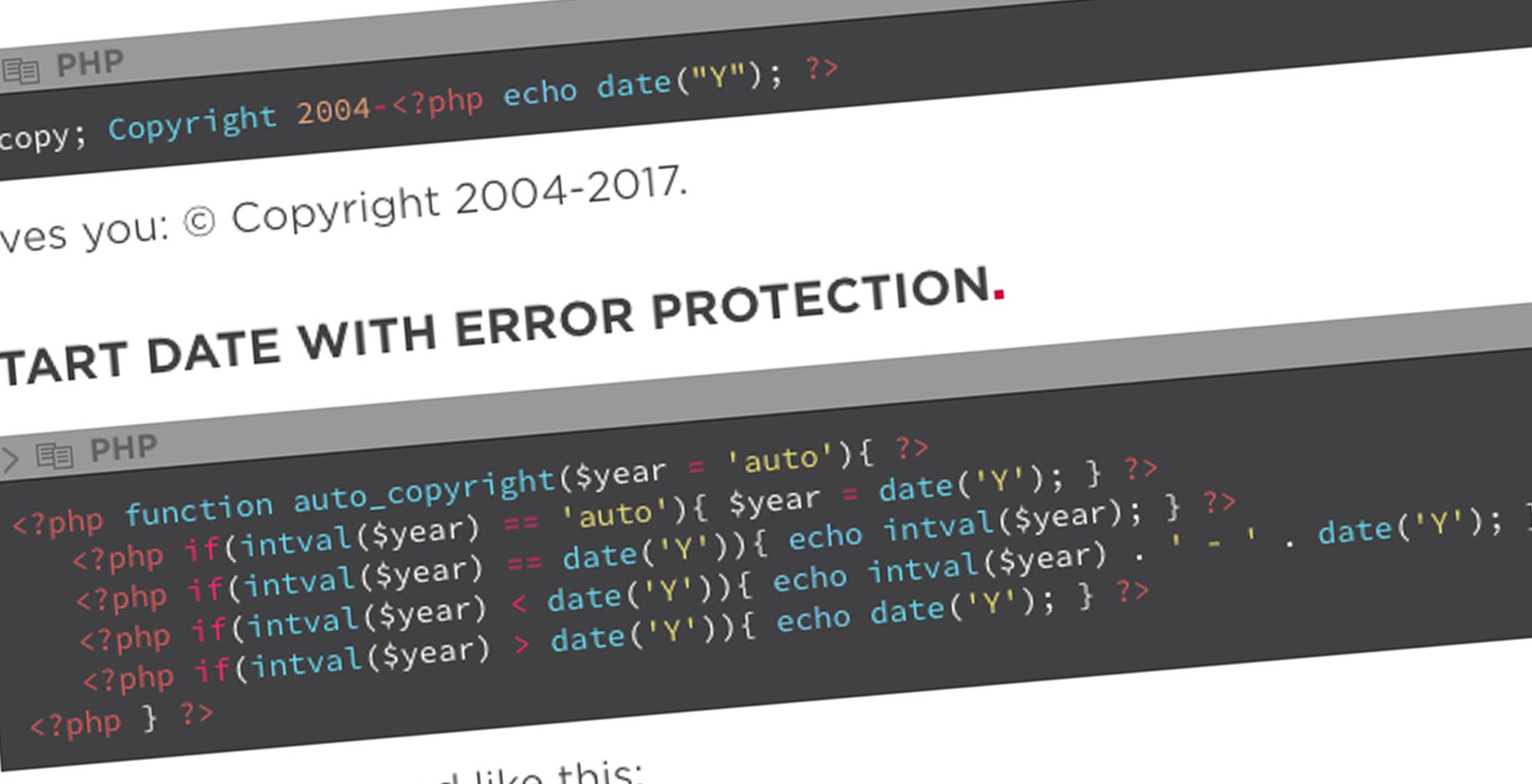
© Copyright 2004-<?php echo date("Y"); ?>
Gives you: © Copyright 2004-2017.
Start date with error protection.
<?php function auto_copyright($year = 'auto'){ ?>
   <?php if(intval($year) == 'auto'){ $year = date('Y'); } ?>
   <?php if(intval($year) == date('Y')){ echo intval($year); } ?>
   <?php if(intval($year) < date('Y')){ echo intval($year) . ' - ' . date('Y'); } ?>
   <?php if(intval($year) > date('Y')){ echo date('Y'); } ?>
<?php } ?>
Which would be used like this;
<?php auto_copyright(); // 2017?>

<?php auto_copyright("2004");  // 2004 - 2017 ?>

About Simon Vincent
Simon Vincent is the founder and managing director of FLEXX and previously founded RootHost. His skillset is vast and includes WordPress development, search engine optimisation techniques, social media marketing and brand development. He has a keen passion for music and spends a lot of time traveling the world following Bruce Springsteen (amongst other artists).
Stay hard, stay hungry, stay alive.
Bruce Springsteen, This Hard Land